What's a Good NPS Survey Response Rate? See Real Benchmarks
Last updated on Fri Mar 27 2026
Understanding your NPS survey response rate is crucial for measuring customer loyalty accurately. Low participation can skew results, while high engagement offers actionable insights. This guide breaks down average response rates, shares proven strategies to boost survey participation and tips to improve your actual NPS score. By the end, you’ll know how to maximize responses and turn feedback into real business growth.
What is a good NPS survey response rate?
There’s no single “universal” number for a good NPS survey response rate, but many experts consider 15% to 20% or higher a solid starting point, with context depending on industry and survey channel.
For email-based NPS surveys, averages typically range from 6% to 25%, with 12% to 15% often acceptable and 20%+ considered good. Customer experience vendors suggest a healthy range of 5% to 30%, while anything below 5% may signal issues like poor timing, low relevance, or survey fatigue.
Higher rates indicate stronger engagement: 30% to 40% is generally seen as strong to excellent, and 50%+ typically reflects highly engaged customers and well-executed surveys.
B2B programs usually average 12% to 15%, with 20%+ considered excellent, whereas B2C or in-app/SMS surveys can often reach 30%+, especially when surveys are short and timed to key interactions. Ultimately, a “good” rate is one that produces a reliable, representative sample you can trust.
Average NPS response rates
Different professionals have their own ideas of what constitutes a typical NPS survey response rate, and averages can vary widely by industry, channel, and audience.
According to User Intuition, email survey response rates for most NPS programs have declined from an average of 20% to 25% in 2019 to 10% to 15% in 2025.
Qualtrics-linked research suggests most NPS programs fall within a 10% to 30% response rate across industries. This range is often considered a normal baseline for companies collecting feedback through email, web, or in-product surveys.
CustomerGauge and similar CX platforms report that many B2B NPS programs average about 12% to 13%. However, results vary widely depending on audience quality, relationship strength, and survey design, with some programs ranging from 4.5% to 39.3%.
SurveyMonkey and other customer experience guides suggest that rates above 30% are top-tier, especially in B2C environments with engaged customers.
Guidance associated with Bain & Company suggests strong B2C NPS programs can aim for 40% or higher response rates. Short surveys tied to specific interactions often drive these higher engagement levels.
Delighted’s data shows how response rates vary by channel: email around 6%, web surveys around 8%, and mobile SDK (iOS) about 16%. These differences highlight how survey timing, format, and context strongly influence participation.
Why some NPS surveys get higher response rates
Some NPS surveys get higher response rates because they make it easy and relevant for customers to answer. Short, clear NPS survey questions sent at the right time, such as right after a purchase or interaction, encourage people to respond.
Personalizing the survey and keeping it mobile-friendly also helps. Incentives can boost participation but are not always necessary. Long, confusing, or poorly timed surveys frustrate respondents and lower response rates. Essentially, it is about respecting the customer’s time, making the survey feel meaningful, and creating a smooth, convenient experience that invites honest feedback.
Actionable tips to boost your NPS survey response rate
Make the survey quick and simple: Use the core single-question format, “How likely are you to recommend us?” (0–10) and add only one optional open-ended question (“Why?”). Keep total completion under 1 to 2 minutes and highlight that in the invite (e.g., “Takes 1 minute”).
Pick the right channel and timing: Send surveys where customers are most active, such as SMS, WhatsApp, or in-app. This usually outperforms plain email. Time surveys right after key interactions, such as a support ticket closure or feature use, and avoid weekends, holidays, or busy periods.
Personalize the invite: Use the recipient’s name, company, and context (“following your recent purchase/check-in/support ticket”). Include a real person’s name and photo/signature in emails to boost trust and open rates.
Clean and segment your audience: Regularly remove bounced or outdated contacts to improve deliverability and response quality. Segment audiences by product, plan, or usage, tailoring messaging so the survey feels relevant.
Offer a light incentive or value: Provide modest rewards such as a small discount, raffle entry, or charity donation. Make it clear feedback will be used to improve the product, and follow up later to show actual changes.
Use smart follow-ups: Send one well-timed reminder to non-responders 5 to 7 days later. Use contextual nudges, like in-app pop-ups, instead of generic “please respond” emails.
Optimize design and wording: Keep emails short and scannable, with subject lines that signal value. On in-app or web pop-ups, use plain language, minimal branding, and a prominent CTA (“Help us improve in 1 minute”).
Tips for increasing your actual NPS score
It’s not enough to raise NPS survey response rates. Your real goal should be improving the score itself, and that comes down to actually making the customer experience better. Start by paying close attention to feedback, spotting customer pain points, and fixing them quickly.
Make every interaction count, from onboarding to support, and personalize where you can so customers feel genuinely valued. Little surprises or small touches of extra value go a long way in leaving a positive impression.
Empower your team to anticipate customer needs and tackle issues before they become problems. Communicate transparently about improvements made from prior feedback, showing customers their opinions matter. Lastly, keep an eye on trends, act on insights, and continuously refine your processes. When customers feel heard, cared for, and impressed, they’re far more likely to become loyal promoters of your brand.
NPS survey software: what to look for in a tool
When choosing NPS survey software, the tool you pick can directly impact both your response rate and the quality of insights you collect. Not all tools are built the same, so it’s important to focus on features that actually drive engagement and action.
Ease of setup and use
If your team can’t get a survey live quickly, it’s unlikely to become a consistent habit. The best tools feel simple from day one, letting you launch surveys in minutes instead of days. This lowers friction internally and makes it far more likely that feedback collection becomes part of your regular workflow.
Multi-channel distribution
To maximize response rates, your NPS tool should meet users where they already are.
Look for tools that support:
In-app or in-product surveys
Email and SMS distribution
Website widgets and pop-ups
The more contextual your survey delivery, the higher your chances of getting timely, relevant responses.
Customization and targeting
Customers are far more likely to respond when a survey feels relevant to their experience. A good NPS tool lets you tailor who sees what, and when, so you’re not blasting the same message to everyone. This kind of thoughtful targeting shows respect for your users’ time and leads to more meaningful feedback.
Reporting and actionable insights
Collecting scores is only half the job—you need to understand and act on them.
A solid platform should offer:
Real-time dashboards and trend tracking
Response segmentation and filtering
Easy export or integrations with other tools
Without clear reporting, feedback becomes noise. With it, you can confidently spot trends and make better product decisions.
Integrations and feedback workflows
Your NPS data shouldn’t live in isolation.
Look for tools that integrate with your existing stack so you can:
Send responses to CRMs or support tools
Trigger workflows based on feedback
Close the loop with customers automatically
When everything is connected, feedback becomes something your whole team can act on, not just something you review once a month.
Frill is one of the best tools for surveys and in-app NPS widgets because it’s super easy to set up, fully customizable, and works seamlessly across web and app platforms. Its contextual surveys, no-code integrations, and robust reporting let you collect actionable feedback in real time.
Top tools for running NPS surveys
These are some of the best tools to help you run NPS surveys, improve your response rates, and collect real user feedback.
1. SurveyMonkey
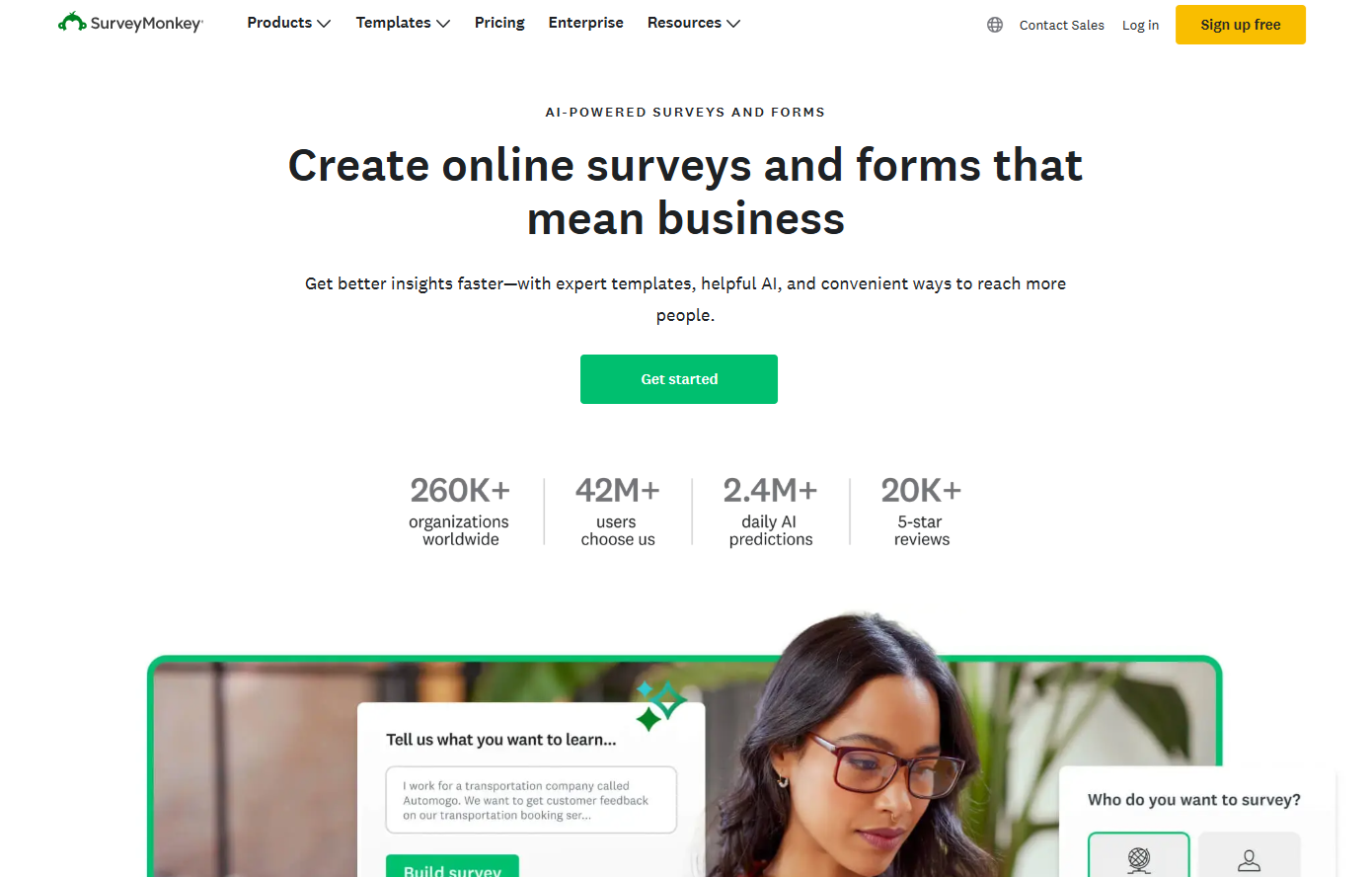
SurveyMonkey offers a robust, enterprise-ready survey platform with AI-powered survey creation, 500+ templates, and access to a global audience panel. Its strengths lie in advanced analytics, integrations, and continuous feedback tracking, making it ideal for organizations seeking deep, strategic insights across customer, employee, and market surveys.
2. Nicereply
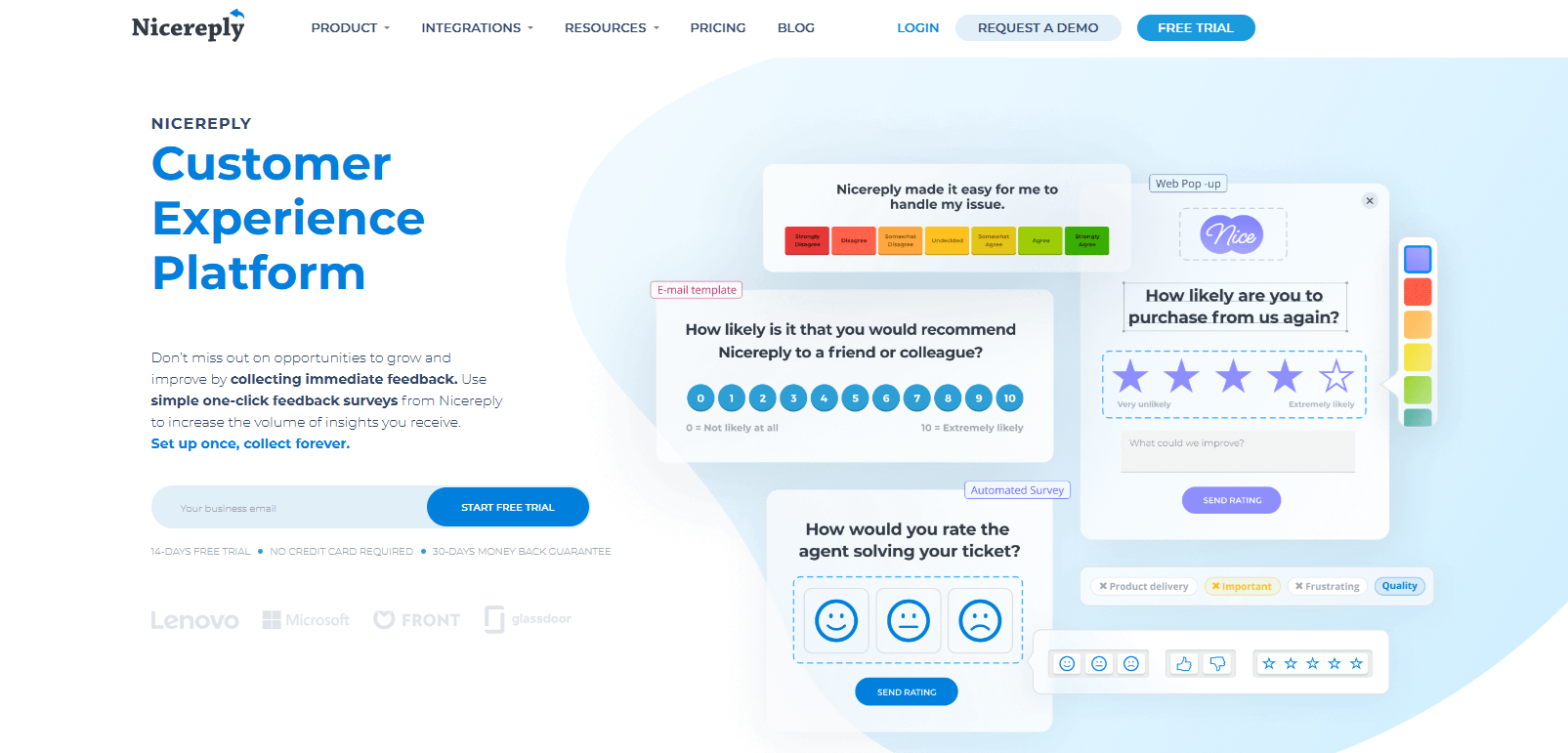
Nicereply makes NPS simple and actionable by letting you collect immediate feedback with one-click surveys across email, in-signature, website pop-ups, and links. It integrates with popular CRMs and helpdesks, tracks trends in real time, and turns every customer touchpoint into an opportunity to improve satisfaction, loyalty, and agent performance effortlessly.
3. Affiniv
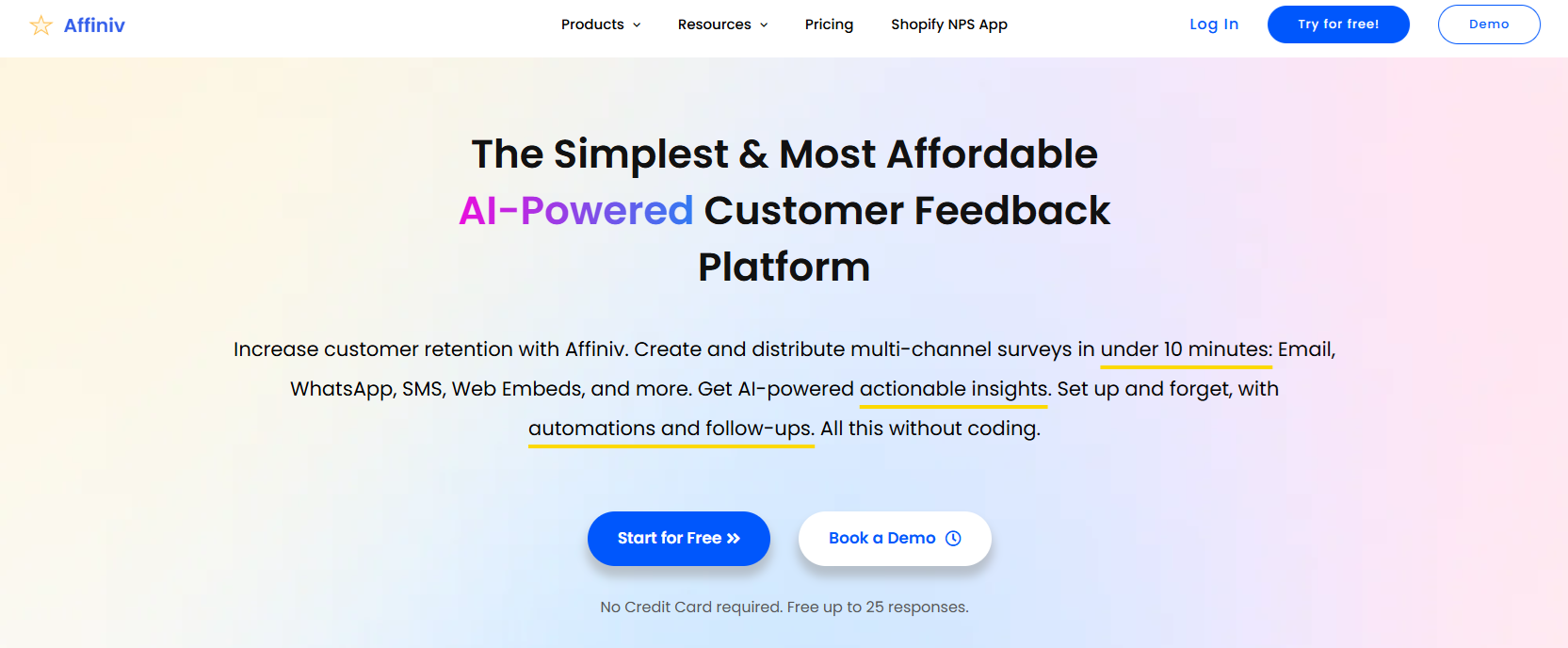
Affiniv offers a no-code setup, beautifully branded surveys, and multi-channel distribution via email, SMS, WhatsApp, or web. Its real-time analytics dashboard reveals key customer insights, while smart reminders and segmentation boost response rates, helping businesses improve satisfaction, retain customers, and turn promoters into brand advocates, all at an affordable price.
4. Frill
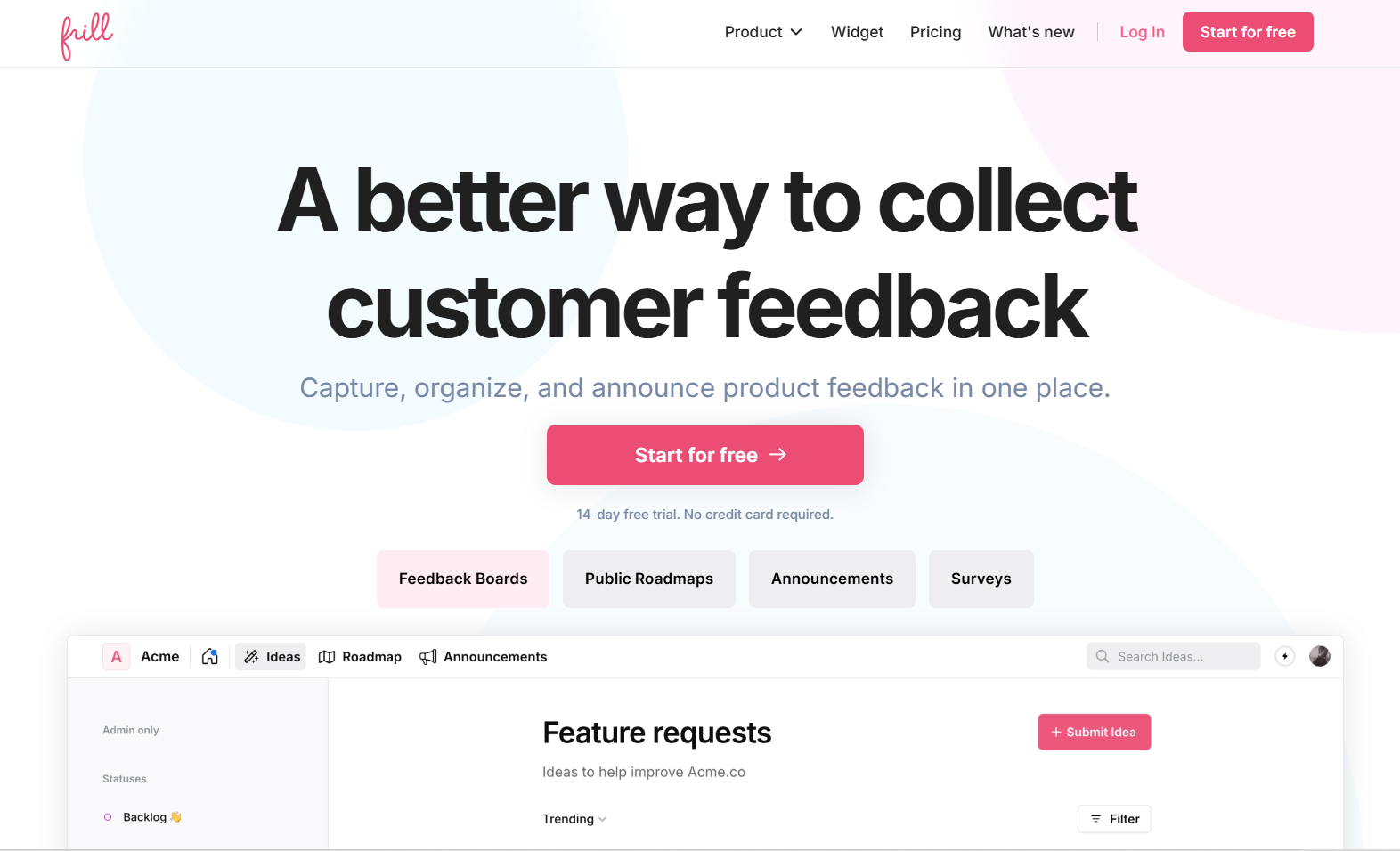
Frill is one of the best tools for surveys and in-app NPS widgets because it’s super easy to set up, fully customizable, and works seamlessly across web and app platforms. Its contextual surveys, no-code integrations, and robust reporting let you collect actionable feedback in real time.
With a minimalistic, intuitive design, Frill helps teams track satisfaction, identify pain points early, and prioritize features efficiently, making it ideal for improving products and keeping customers engaged.
5. SurveySparrow
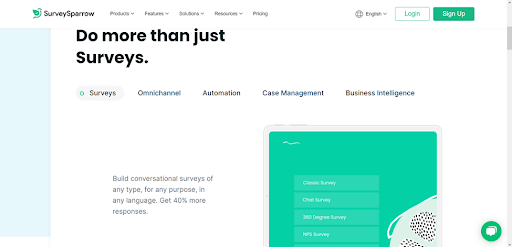
SurveySparrow stands out by turning NPS surveys into conversational experiences that feel natural for customers, boosting responses across email, WhatsApp, and social media. Its AI-powered insights help teams act fast, but smaller teams may struggle with feature overload, and some customization or integrations can take time to master.
Frequently asked questions
What is a typical response rate for an NPS survey?
A typical NPS survey response rate varies by industry and audience but generally ranges from 10% to 30% for B2B and B2C email surveys. Well-timed, concise surveys sent through the right channels can reach 20% to 30%, while highly engaged or incentivized audiences may respond at rates above 30%.
How often should I send NPS surveys?
The frequency of NPS surveys depends on your goals and customer interactions. Many businesses send them after key touchpoints, like post-purchase or post-support. Monthly or quarterly surveys work well for ongoing feedback. However, avoid over-surveying, which can annoy customers, but send frequently enough to track trends and act on insights.
Does a high response rate guarantee a reliable NPS score?
No, a high response rate doesn’t automatically guarantee a reliable NPS score. Reliability depends on representative sampling, honest user feedback, and survey timing. Even with many responses, skewed or biased participation can distort results. Accurate insights require targeting the right audience and ensuring the survey captures genuine, timely customer experiences.
What should I do if my NPS survey response rate is low?
If your NPS survey response rate is low, focus on simplifying the survey, sending it through the right channels, and timing it after key interactions. Personalize invites, use clear messaging, and consider light incentives to encourage participation. Also, test different formats and follow-ups to engage more customers and collect meaningful feedback.
Should I offer incentives for NPS surveys?
You can offer incentives for NPS surveys to encourage more responses, but keep them small and simple so they don’t influence answers. Think discounts, raffle entries, or charity donations. The key is making it easy and meaningful for customers to share their feedback while keeping it honest.
Ready to get closer to your users? Send NPS surveys, collect feedback, and share public roadmapping with Frill. Learn more about Frill and try it free.